MT4 vs MT5
Compare the Classic versus the Latest MetaQuotes
Trading Platforms
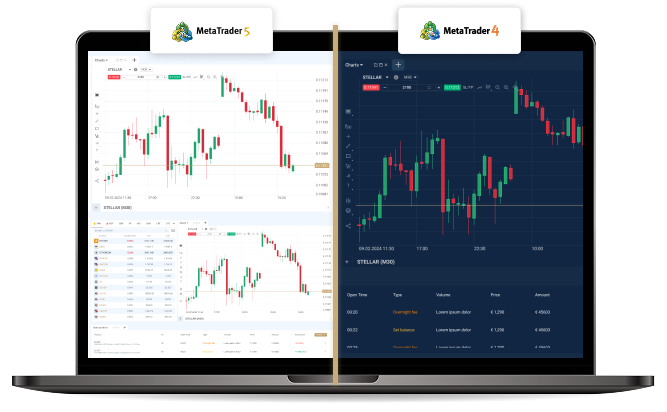
Compare the Classic versus the Latest MetaQuotes
Trading Platforms
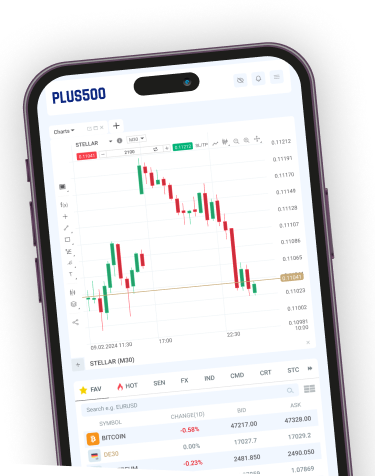
The new and improved version of Metatrader5 platform is here! Manage your account, your trading activity, buy and sell currencies and exchange securities with a click of a button with Plus500 MT5.
Check the table below to compare the features between Plus500 MetaTrader 4 and MetaTrader 5 and choose the one that suits you best!
| Feature | Meta Trader 4 | Meta Trader 5 |
|---|---|---|
| Analytical Objects | 31 | 44 |
| Built-in Economic Calendar | No | Yes |
| Built-in Indicators | 30 | 38 |
| Economic Calendar | No | Yes |
| Account Currency | EUR, USD, GBP, JPY | EUR, USD, GBP, JPY |
| Embedded MQL5.community chat | No | Yes |
| Exchange Trading | No | Yes |
| Fund transfer between accounts | No | Yes |
| Hedging | Yes | Yes |
| Order Execution types | 4 | 3 |
| Pending Order Types | 4 | 6 |
| Platform Speed | 32 bit, mono-threaded | 64 bit, multi-threaded |
| Reports | Tables only | Charts (HTML5) & Tables |
| Strategy Tester | Single thread | Multi-threaded |
| Symbols | 1024 | Unlimited |
| Technical Indicators | 30 | 38 |
| Timeframes | 9 | 21 |
| Trading Signals and Copy Trading | No | Yes |

The world’s original online trading platform, millions of traders choose MT4 as the gold-standard for
simplicity and ease-of-use.

Windows

MacOS

Android

MT4 Web Trader

Instant market access and endless possibilities for trading, analysis and automation. Metaquotes 5
is an evolution of MT4 with additional features that supercharge your trading.
Windows
MacOS
Android
iOS
MT4 Web Trader
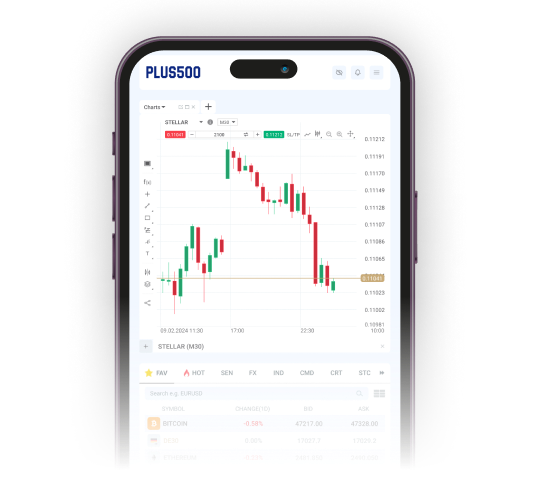
MT4 was built to allow trading Forex while MT5 offers trading on forex, futures, stocks and CFDs. The updated programming language on MT5 allows faster back testing than MT4 as well as DOM (depth of market functionality) and is technically supported by MetaQuotes, unlike MT4.
Manage your account, your trading activity, buy and sell currencies and exchange securities with a click of a button.
Choose your platform and start trading with Plus500 today.

Complete our Registration Form and access the Client Portal. Complete your Economic profile, upload the required documents and verify your profile.
Choose “Open Live Account” under the Accounts tab and select an account. Click “Deposit funds” under the funds tab to select your funding method.
Choose “Downloads” tab under Trader’s Menu and download your Preferred Platform. Launch your platform and start trading.